Hosted Private npm - Web Interface
You can login to your Web Interface in http://your-subdomain.npm.nodejitsu.com with your npm credentials.
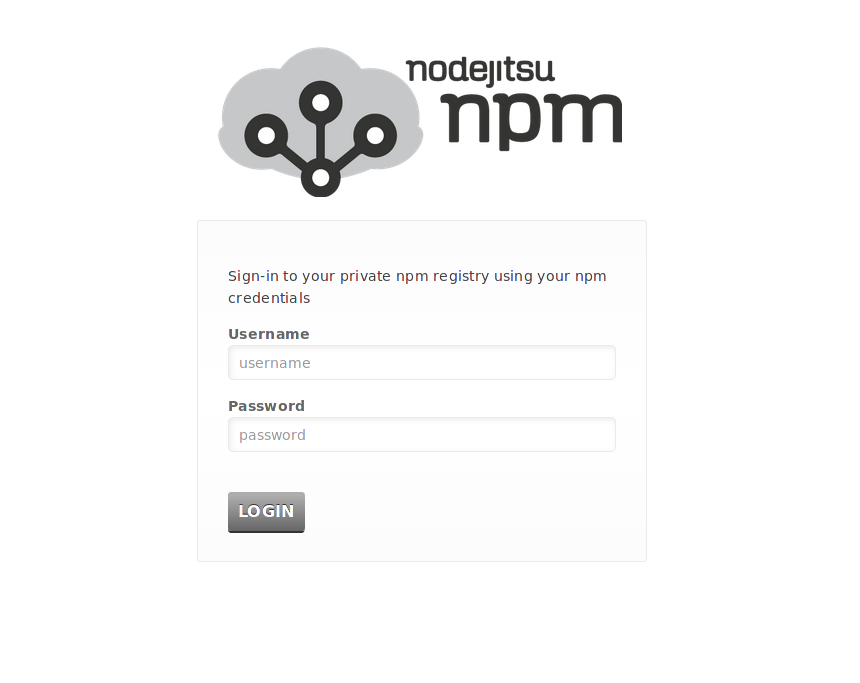
Dashboard
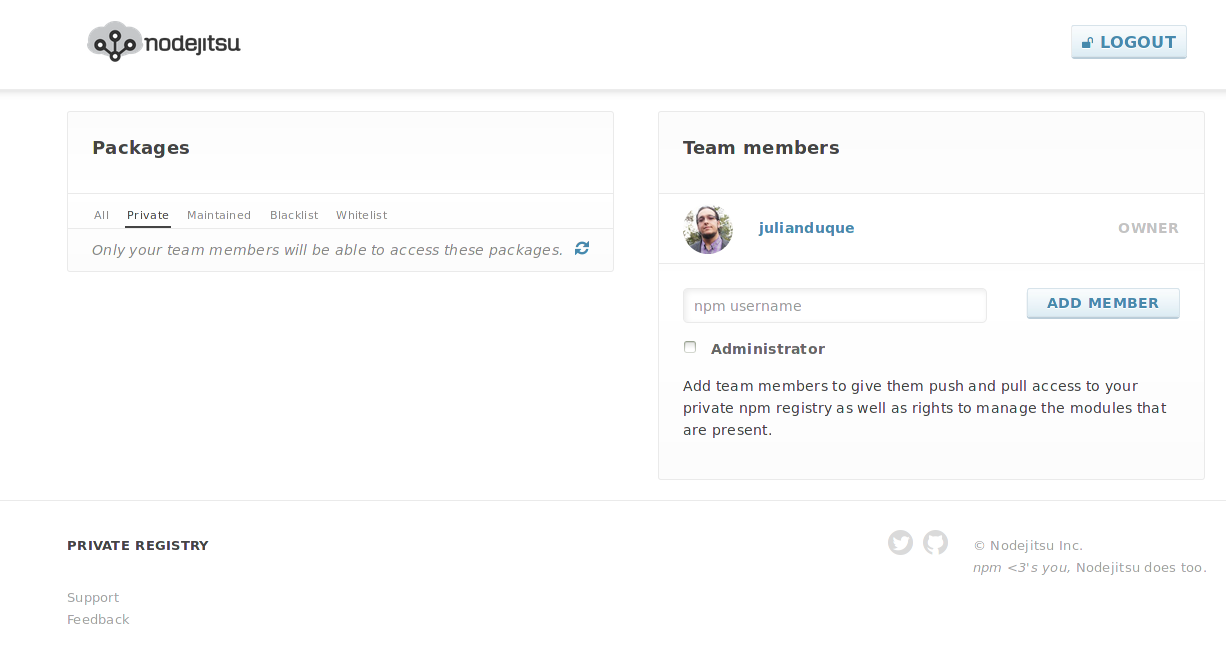
Package Management
Private
Lists the private packages published to your npm, these are only visible by your team members and are always proxied to your private CouchDB server.
Maintained
All the packages maintained by your team members.
Blacklist
These packages are explicitly forbidden to be retrieved from the public npm registry.
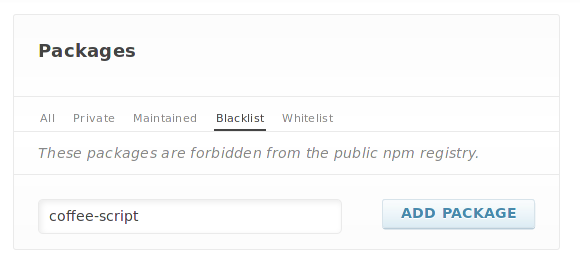
Add Package to Blacklist
If you want to Blacklist a package just write down the package name and click on Add Package.
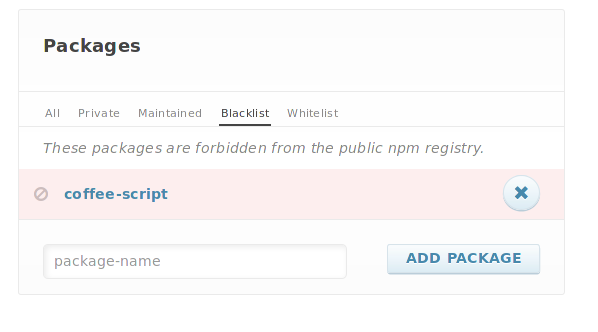
Remove Package from Blacklist
To remove a package from Blacklist just click on the (x) button right to the package name.
Whitelist
Only these packages (and all private npm packages) will be permitted from the public npm registry. It is possible for a package to be both private and blacklisted. This is how you can take ownership over a given module.
Admin Whitelist packages works the same as Blacklist.
Package Visualization
Clicking on a package name will open a new and improved package visualization page.
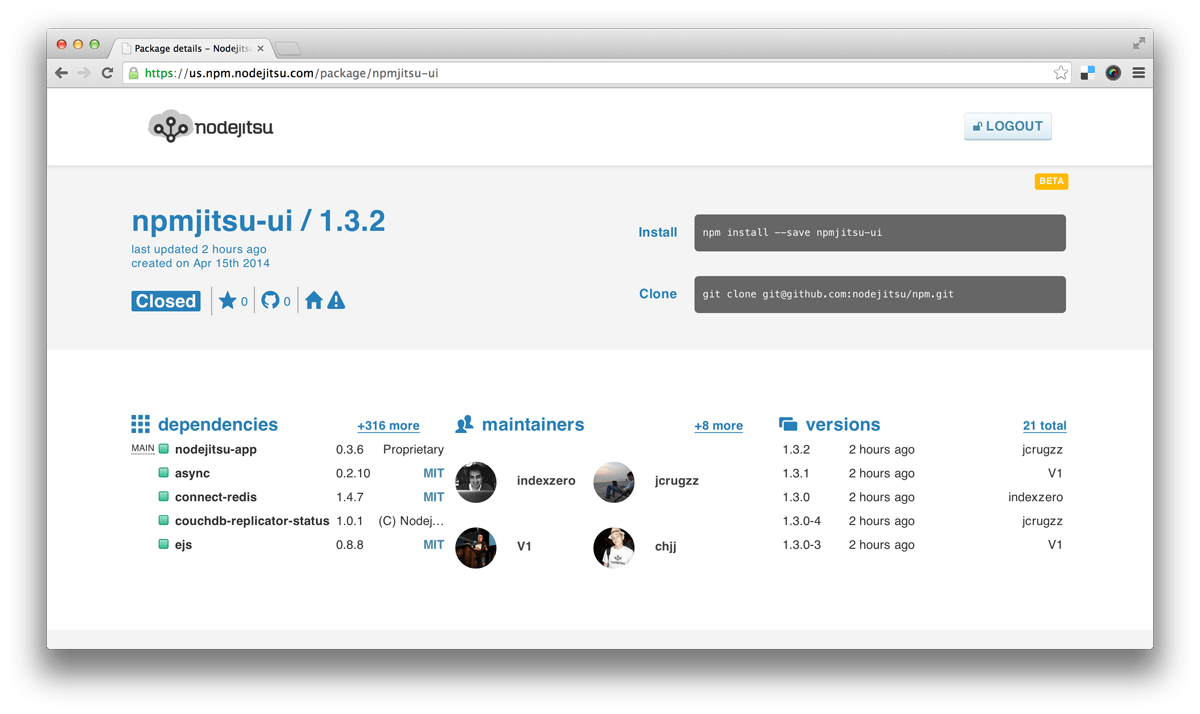
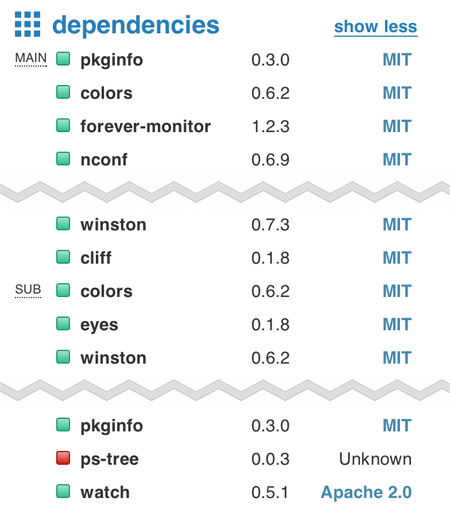
Also you'll be able to see in a single view all the software license footprint of your package or application
User Management
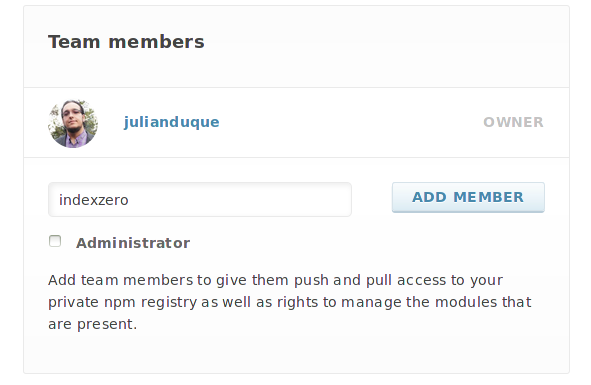
Add member
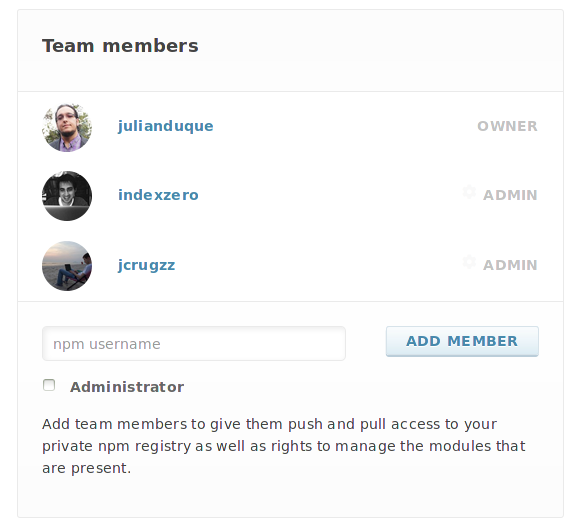
Just write down the public npm username and click on Add member.
Remove member
To remove a user from your team, click on the settings icon.

A settings panel will appear, then click on the Delete button and it's done.

Add Administrator
You can add an Administrator by clicking on the Add Admin button on the user settings panel shown above.

Or by checking the Administrator property when adding a new member to your team.
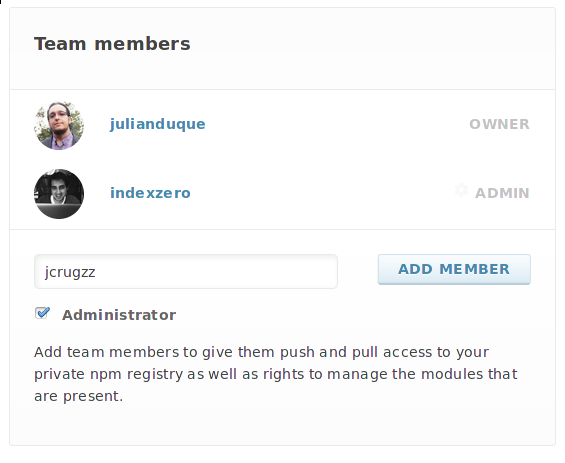
Now you can see the new added member with Admin role.
Remove Administrator
If you want to remove the Admin role just click on the user settings icon.

And then click on the Remove Admin button.

Sync Maintainers
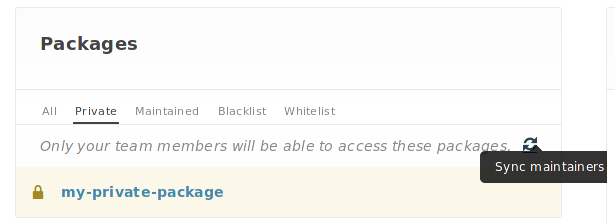
If you need to update and synchronize maintainers of your packages under the Private packages tab there is a Sync Maintainers button that will do the job.
Thats how you admin your team members, easy right?