n / 1.2.9 last updated a year ago created on Jan 5th 2011
Install
npm install --save n
Clone
git clone git@github.com:visionmedia/n.git
No dependencies listed.
 tjholowaychuk
| 1.2.9 | a year ago | tjwebb |
| 1.2.8 | a year ago | tjwebb |
| 1.2.7 | a year ago | tjwebb |
| 1.2.6 | a year ago | tjwebb |
| 1.2.5 | a year ago | tjwebb |
| 1.2.4 | a year ago | tjwebb |
| 1.2.3 | a year ago | tjwebb |
| 1.2.2 | a year ago | tjwebb |
| 1.2.1 | 2 years ago | tjholowaychuk |
| 1.1.0 | 2 years ago | tjholowaychuk |
| 1.0.0 | 2 years ago | tjholowaychuk |
| 0.9.3 | 2 years ago | bat |
| 0.9.2 | 2 years ago | bat |
| 0.9.1 | 3 years ago | tjholowaychuk |
| 0.9.0 | 3 years ago | tjholowaychuk |
| 0.8.2 | 3 years ago | tjholowaychuk |
| 0.8.1 | 3 years ago | tjholowaychuk |
| 0.8.0 | 3 years ago | tjholowaychuk |
| 0.7.2 | 3 years ago | tjholowaychuk |
| 0.7.1 | 3 years ago | tjholowaychuk |
| 0.7.0 | 4 years ago | tjholowaychuk |
| 0.6.1 | 4 years ago | tjholowaychuk |
| 0.6.0 | 4 years ago | tjholowaychuk |
| 0.5.4 | 4 years ago | tjholowaychuk |
| 0.5.3 | 4 years ago | tjholowaychuk |
readme
n
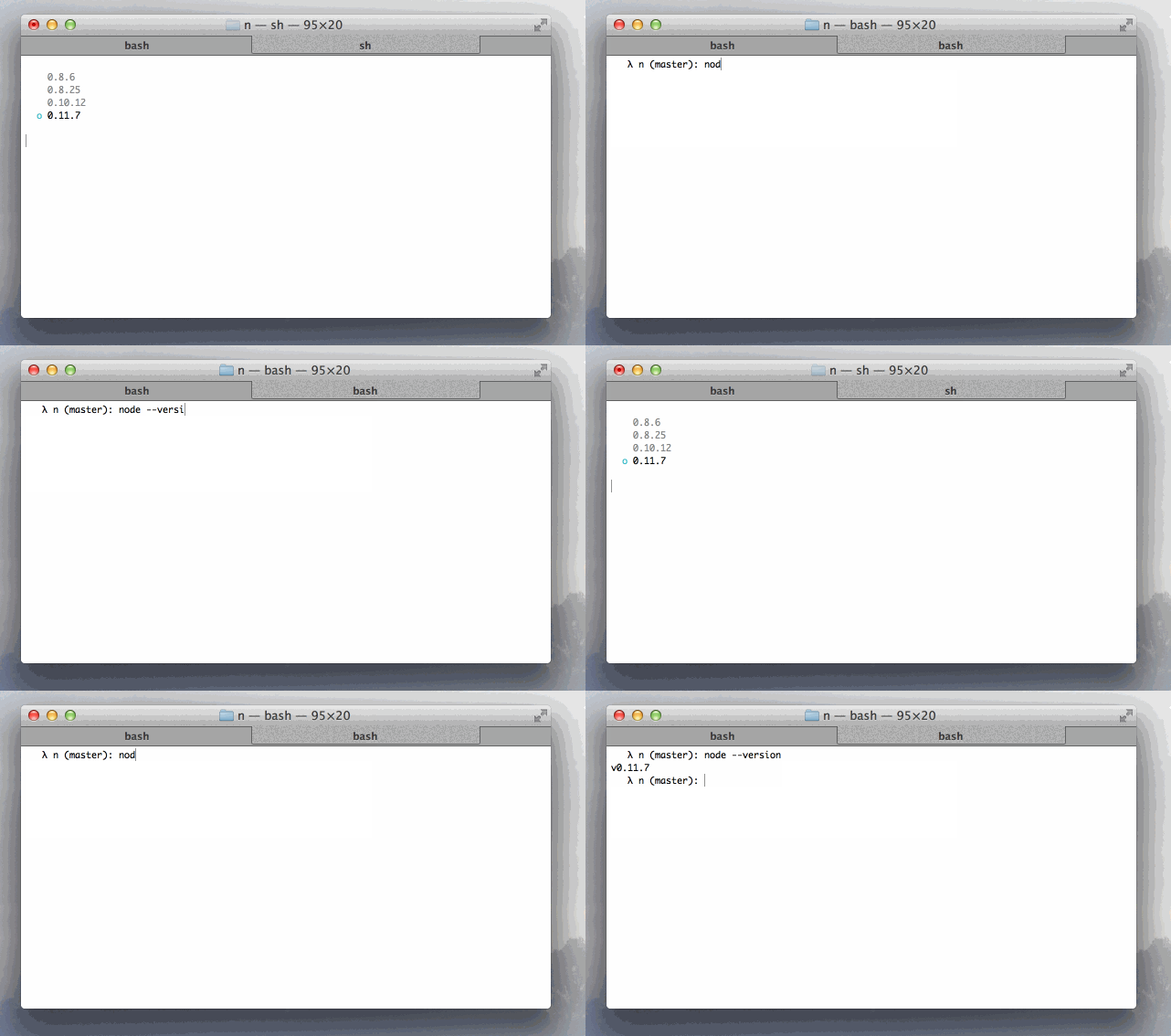
Simple flavour of node binary management, no subshells, no profile setup, no convoluted api, just simple.
Installation
or
to $HOME. Prefix later calls to n with N_PREFIX=$HOME
Installing Binaries
Install a few nodes:
Type n to prompt selection of an installed node. Use the up /
down arrow to navigate, and press enter or the right arrow to
select, or ^C to cancel:
Use or install the latest official release:
Use or install the stable official release:
Switch to the previous version you were using:
Removing Binaries
Remove some versions:
Instead of using rm we can simply use -:
Binary Usage
When running multiple versions of node, we can target
them directly by asking n for the binary path:
Or by using a specific version through n's use sub-command:
with flags:
Usage
Output from n --help:
Details
n by default installs node to /usr/local/n/versions, from
which it can see what you have currently installed, and activate previously installed versions of node when n <version> is invoked again.
Activated nodes are then installed to the prefix /usr/local, which of course may be altered via the N_PREFIX environment variable.
To alter where n operates simply export N_PREFIX to whatever you prefer.
License
(The MIT License)
Copyright (c) 2014 TJ Holowaychuk <tj@vision-media.ca>
Permission is hereby granted, free of charge, to any person obtaining a copy of this software and associated documentation files (the 'Software'), to deal in the Software without restriction, including without limitation the rights to use, copy, modify, merge, publish, distribute, sublicense, and/or sell copies of the Software, and to permit persons to whom the Software is furnished to do so, subject to the following conditions:
The above copyright notice and this permission notice shall be included in all copies or substantial portions of the Software.
THE SOFTWARE IS PROVIDED 'AS IS', WITHOUT WARRANTY OF ANY KIND, EXPRESS OR IMPLIED, INCLUDING BUT NOT LIMITED TO THE WARRANTIES OF MERCHANTABILITY, FITNESS FOR A PARTICULAR PURPOSE AND NONINFRINGEMENT. IN NO EVENT SHALL THE AUTHORS OR COPYRIGHT HOLDERS BE LIABLE FOR ANY CLAIM, DAMAGES OR OTHER LIABILITY, WHETHER IN AN ACTION OF CONTRACT, TORT OR OTHERWISE, ARISING FROM, OUT OF OR IN CONNECTION WITH THE SOFTWARE OR THE USE OR OTHER DEALINGS IN THE SOFTWARE.